Jai Guruji, Shukrana Guruji. As July 7, 2026 draws near, millions of devoted sangat members across the world are preparing their hearts — and their phones — to celebrate Guruji’s sacred birth anniversary in the most beautiful way.
Setting a divine Guruji photo as your lock screen, sharing a glowing WhatsApp status with the sangat, or waking up every morning to the sacred sound of Guruji Ka Aadesh as your ringtone — these small gestures fill your day with his presence and grace. This complete guide covers exactly how to do all of that safely and beautifully in 2026.
1. Best Guruji Birthday 2026 Wallpapers & HD Photos for WhatsApp Status
High-definition images make all the difference between a blurry status that gets scrolled past and a glowing, radiant visual that stops the sangat in their tracks. Here are the curated categories devotees search for most on Guruji’s birthday.
The Classic Swaroop
High-resolution digital restorations of Guruji’s iconic seated posture — radiating soft golden and pink divine light — are the most shared wallpapers on birthday week. These are ideal for mobile lock screens and home screens. Look for versions with the text overlay “Jai Guruji” or a simple “Shukrana” in gold typography for WhatsApp DP updates.
Charan Kamal Graphics
Beautifully edited close-ups of Guruji’s holy feet (Charan Kamal) surrounded by fresh lotus petals and shukrana quotes are among the most emotionally powerful visuals in the sangat community. These are particularly popular as morning WhatsApp statuses during the 48 hours leading up to July 7.
Bade Mandir Night Illumination
Stunning shots of the Chhatarpur Bade Mandir fully lit and decorated for the 2026 birthday celebrations carry tremendous energy. Sharing these in family groups conveys the scale and devotion of the occasion to those who could not travel to Delhi.
How to Save Images in Full HD Quality







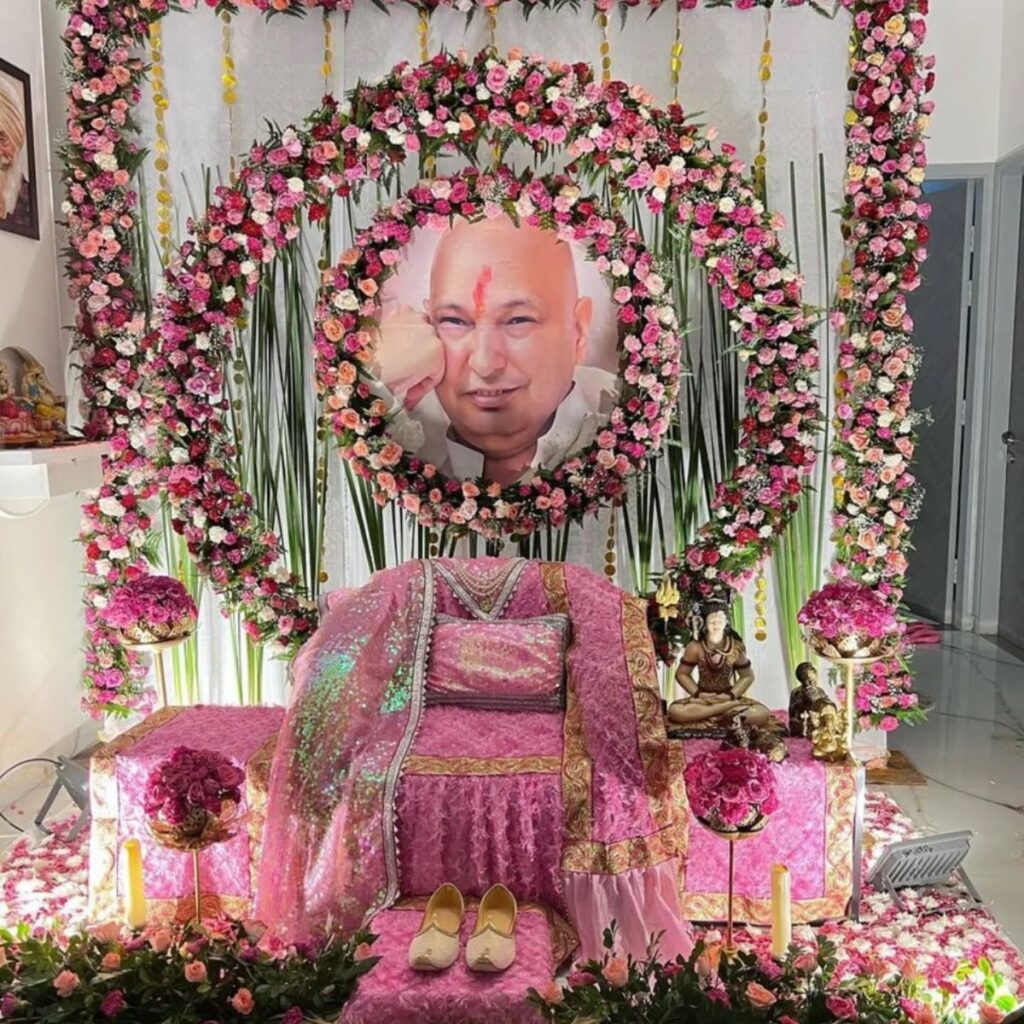

























Sangat Tip: The best curated Guruji birthday photo collections surface in dedicated sangat Telegram channels and devotee Facebook groups in the 3–4 days before July 7. Join your local WhatsApp sangat group now to ensure you receive the best 2026 graphics directly from trusted sources.
2. How to Safely Download & Set the “Guruji Ka Aadesh” Ringtone
The sacred chant Guruji Ka Aadesh — particularly the Alakh Niranjan / Aadesh Hanuman devotional renditions — has become the most beloved ringtone and morning alarm among the global sangat. The sound itself is considered a blessing every time the phone rings.
However, dozens of low-quality, malware-infected ringtone download sites have flooded search results with dangerous versions. Follow these steps to get the authentic audio safely.
Step 1: Find It on Verified Audio Platforms First
Before downloading any MP3 file from unknown websites, search directly on YouTube Music, Spotify, Apple Music, or JioSaavn using these exact search terms:
- “Guru Ji Ko Aadesh”
- “Aadesh Alakh Niranjan Guruji”
- “Jai Guruji ringtone”
This lets you hear the authentic version first and confirm which rendition resonates most with you before setting it on your device.
Step 2: Setting the Ringtone on Android
- Save or download the MP3 file from a trusted spiritual audio portal.
- Using your file manager app, move or copy the file to your internal storage folder named Ringtones (create this folder if it does not exist).
- Go to Settings → Sound & Vibration → Phone Ringtone.
- Scroll down to find your saved file and tap to set it.
- Optionally, set it as your alarm tone via Clock → Alarm → Edit → Sound so Guruji’s aadesh greets you every morning.
Step 3: Setting the Ringtone on iPhone (iOS)
- Easiest method: Search for the official tone on the iTunes Tone Store within the Sounds & Haptics settings — some devotee-uploaded tones are available as direct purchases.
- Free method using GarageBand: Save the audio file to your iPhone Files app → open GarageBand → create a new project → import the audio → trim it to 30 seconds → use the “My Songs” share option → select “Ringtone” → save and assign.
- Alternatively, use the Zedge app (iOS & Android) and search “Jai Guruji” — it has a curated, malware-free collection of devotional ringtones.
Security Warning: Avoid any website that asks you to “complete a survey”, install an APK file, or share your phone number to access a free ringtone download. These are data-harvesting traps. Stick to YouTube, mainstream streaming platforms, and the Google Play / Apple App Store.
3. Stream Guruji Birthday Shabads & Satsang Recordings — The Safe Way
Beyond wallpapers and ringtones, immersing yourself in continuous Shabad Gurbani and recorded satsang sessions is the true way to tune into Guruji’s birthday vibrations from wherever you are.
Finding Authentic Apps on Play Store & App Store
- Search “Guruji Maharaj Satsang” or “Jai Guruji” on the Google Play Store or Apple App Store.
- Before installing, check the developer name and read the reviews carefully. Authentic sangat apps are usually developed by community trusts and have straightforward, devotion-focused descriptions.
- Permissions check: A genuine satsang streaming app only needs Internet/Network access to function. If an app requests access to your contacts, SMS, camera, or precise location — do not install it.
No App? Build a Streaming Playlist Instead
If you prefer not to install a standalone app, this is the fastest alternative:
- Open YouTube, Spotify, or JioSaavn.
- Search for “Guruji Birthday Shabads”, “Jai Guruji Bhajans”, or “Alakh Niranjan chants”.
- Create a dedicated playlist titled “Guruji Birthday 2026” and keep adding tracks as you discover them in the days before July 7.
- On the day itself, set your phone to play this playlist on loop through a Bluetooth speaker at home — the divine melodies will fill every corner of your space.
Official YouTube Audio Stream
You can preview and listen to the powerful Guruji Ko Aadesh chant directly via the verified community audio stream on YouTube. Search for “Guruji Ko Aadesh” on YouTube and look for the most-viewed upload with the highest subscriber count on the channel — this is reliably the cleanest, most authentic recording available.
Quick Summary: Guruji Birthday 2026 Digital Checklist
| What to Update | Recommended Action |
|---|---|
| WhatsApp DP & Status | Download HD Swaroop image from sangat Telegram group. Minimum 1080×1920px. |
| Phone Lock Screen | Classic Swaroop or Charan Kamal wallpaper. Use original file, not a screenshot. |
| Phone Ringtone | Guruji Ka Aadesh MP3 → Android: Ringtones folder → Settings. iPhone: GarageBand method. |
| Morning Alarm | Set the Aadesh chant as your July 7 alarm tone to start the day in his grace. |
| Home Ambience | Bluetooth speaker + Guruji Birthday Shabads playlist on loop throughout the day. |
| Birthday Greeting | Share Bade Mandir illumination photos + “Jai Guruji, Shukrana Guruji” message in family groups. |
Jai Guruji · Shukrana Guruji
May every image you share, every chant that plays from your phone, and every shukrana in your heart carry his divine grace to all those who receive it on July 7, 2026.

Aarti is a lifelong devotee and chronicler within Guruji’s global Sangat. Dedicated to spreading Maharaj’s message of unconditional love and Shukrana, she writes comprehensive logistical guides for Bade Mandir events, curates spiritual media, and documents transformative satsangs. Her work aims to seamlessly connect the global parivaar to Guruji's divine blessings.